05 / 05 · Get dial
Get dial
Install the dial AI coding agent: Dial Desktop + CLI, or just the CLI in one command. Free and open source.
Guides:QuickstartInstall & updateWindows
- Signed and checksummed, and it rolls back if anything fails
- Dial Desktop keeps itself and the dial engine up to date
- First run: pick a model, ask for a fix, then keep it or
/undo files
FIG. 05—desktop
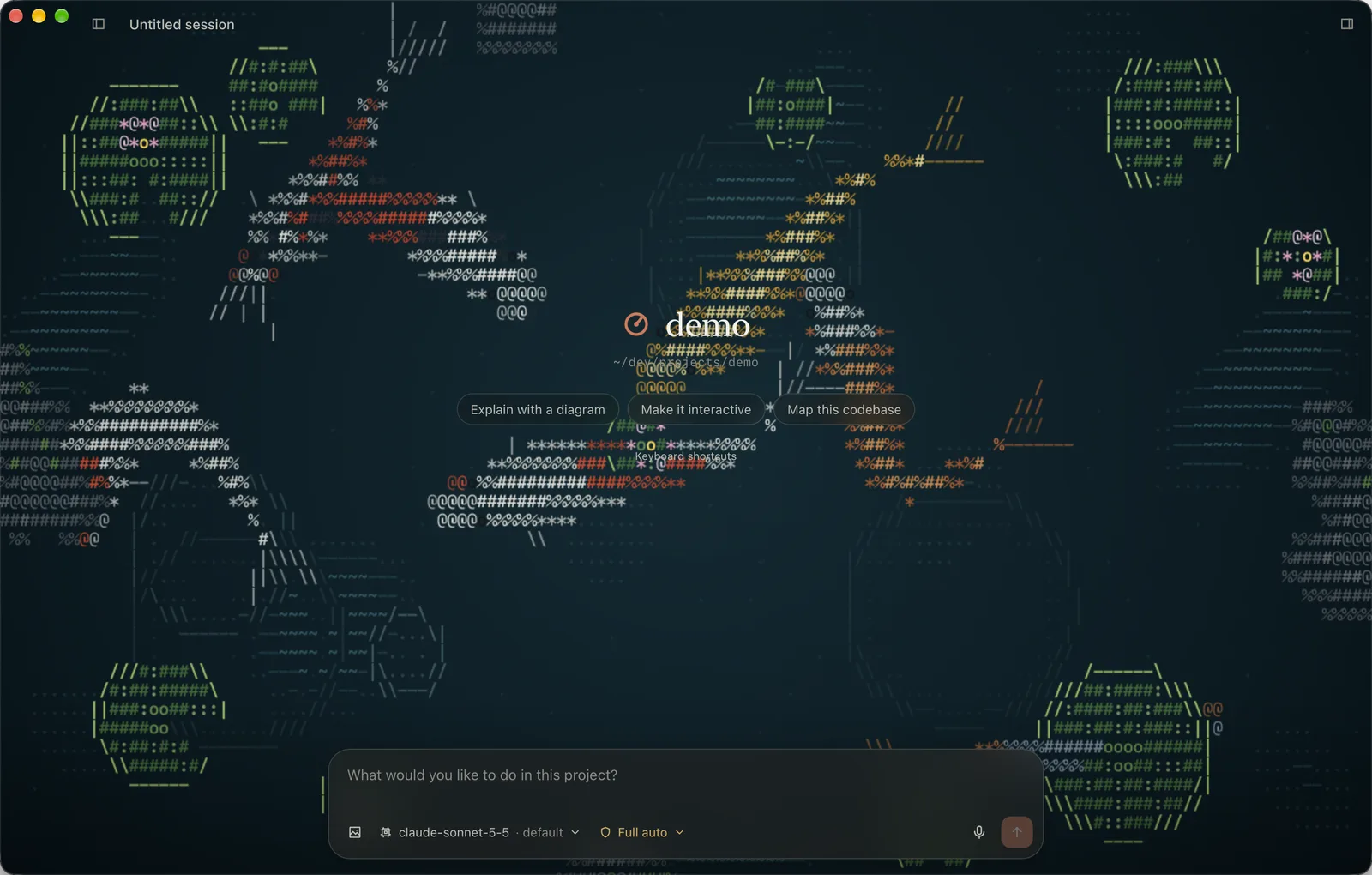 real screenshot$ dialthe same engine, in your terminal
Dial Desktop + CLI
v0.3.4 · free & open source
Then
- 1Open the .dmg and drag Dial into Applications.
- 2Open Dial from Applications.
- 3First launch installs the dial engine if you don't have it yet.
Signed updatesInstalls the engineSame sessions as the CLI